
KS3 Music Production 25-26 Portfolios
It’s been a great year of music production, with an eclectic mix of projects and creative opportunities for the students to get stuck into. Unlike our other ensembles, who have the opportunity to perform live each term, the work created in our music production sessions is best shared digitally.
Below, you’ll find a summary of the modules we’ve completed throughout the year, along with some of the key skills the students developed along the way. Scroll down to listen to the music, explore the projects, and see what they’ve created.
About the modules
1. Music Production Basics
Delivered on iPads, students created their own original pop songs using a combination of loops, MIDI tracks and drum machines. They were introduced to the fundamentals of working within a Digital Audio Workstation (DAW) and began developing an understanding of how different musical elements can be combined to create a complete song.
Skills learnt: DAW interface basics • Arranging • Layering • Instrumentation • Volume balancing • Song structure • Song sections • Loops • MIDI • Drum programming
2. Live Sound Recording & Mixing
A hands-on introduction to sound engineering, students worked with PA systems and mixing desks, learning how audio is connected, routed and controlled in a live environment. They then used mixing desks and audio interfaces to set up microphones and record vocals, drums and piano into a DAW. To put these skills into practice, students were given raw track stems from a cover of Ticket to Ride and created their own mixes.
Skills learnt: PA systems • Mixing desks • Microphone techniques • Signal routing • Audio interfaces • Multitrack recording • Track stems • EQ • Panning • Balancing • Gain control • Monitoring • Mixing
3. Music for Film
Working on Macs with Ableton Live, students composed music and soundscapes to accompany one of four film styles: Action, Animation, Horror or Sci-Fi. They combined pre-recorded loops, sound effects triggered from MIDI keyboards and their own recorded material to create music that complemented the action and atmosphere on screen.
Skills learnt: Working to timecode • Synchronisation • Foley sound effects • Sound design • Atmosphere and ambience • MIDI triggering • Audio recording • Arrangement • Dynamic changes • Creating tension and mood
4. Music for Games
In this shorter module, students explored the relationship between music, coding and interactive media. They designed and coded their own short games using Scratch, before composing soundtracks and programming them to trigger at different points within their games. Due to file-type issues, evidence of this module could not be collated.
Skills learnt: Creative composition • Coding • Interactive music • Triggering • Importing and exporting • Digital file management • Music for interactive media
5. Arranging & Remixing
Students developed their arranging and production skills by taking an existing song and transforming it into a completely different genre. After downloading MIDI stems — digital files containing the individual musical parts of a song — and importing them into GarageBand, students experimented with changing instruments, tempos, song sections and drum patterns. They also used loops and Smart Instruments to creatively reimagine their chosen track.
Skills learnt: MIDI editing • Track organisation • Arrangement • Instrument selection • Tempo changes • Genre transformation • Loop manipulation • Drum programming • Adding and removing musical parts • Smart Instruments • Creative production
6. Final Project
The Final Project provided students with the opportunity to bring together the skills developed throughout the year and produce their own complete song. Working on Macs, students organised and colour-coded their projects into sections before combining loops, Smart Instruments and their own recorded MIDI performances. MIDI keyboards and MIDI guitars were used to add original musical ideas, while some students also recorded vocals using microphones and audio interfaces. Students were encouraged to take greater ownership of the production process, refining their tracks through detailed editing, mixing and creative effects before designing their own album artwork to accompany their finished productions.
Skills learnt: Composition • Song arrangement • MIDI recording and editing • Audio recording • Automation • Panning • EQ • Mixing • Balancing • Effects processing • Reverb • Delay • Dynamics • Track organisation • Colour coding • Instrumentation • MIDI keyboards • MIDI guitars • Microphone recording • Audio interfaces • Creative sound design • Mastering • Album artwork

Catherine
Mixing Session; Ticket To Ride
Music For Film
Arranging & Remixing
Final Project
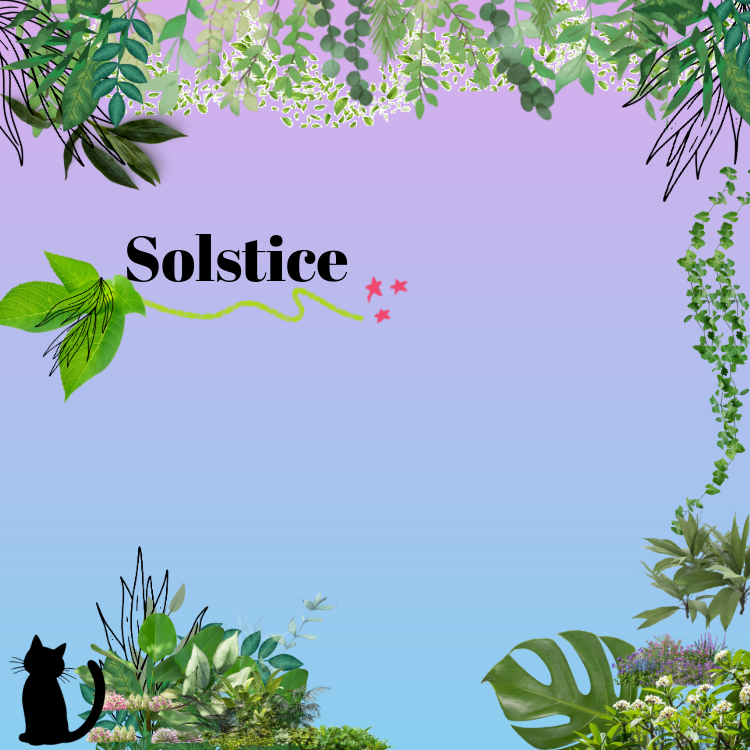
Final project album artwork
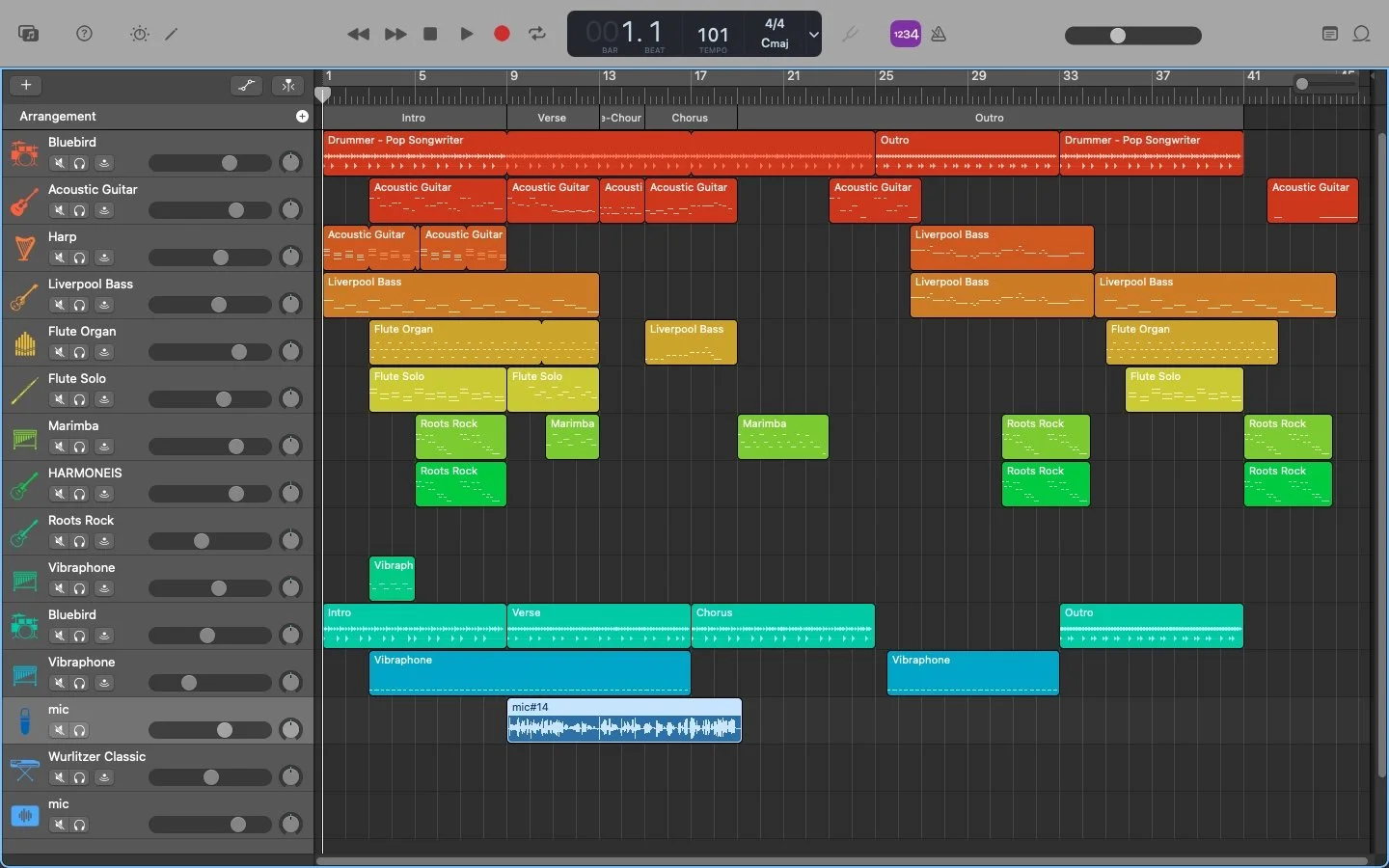
Final project screenshot (bottom track is vocals recorded with a microphone and audio interface)
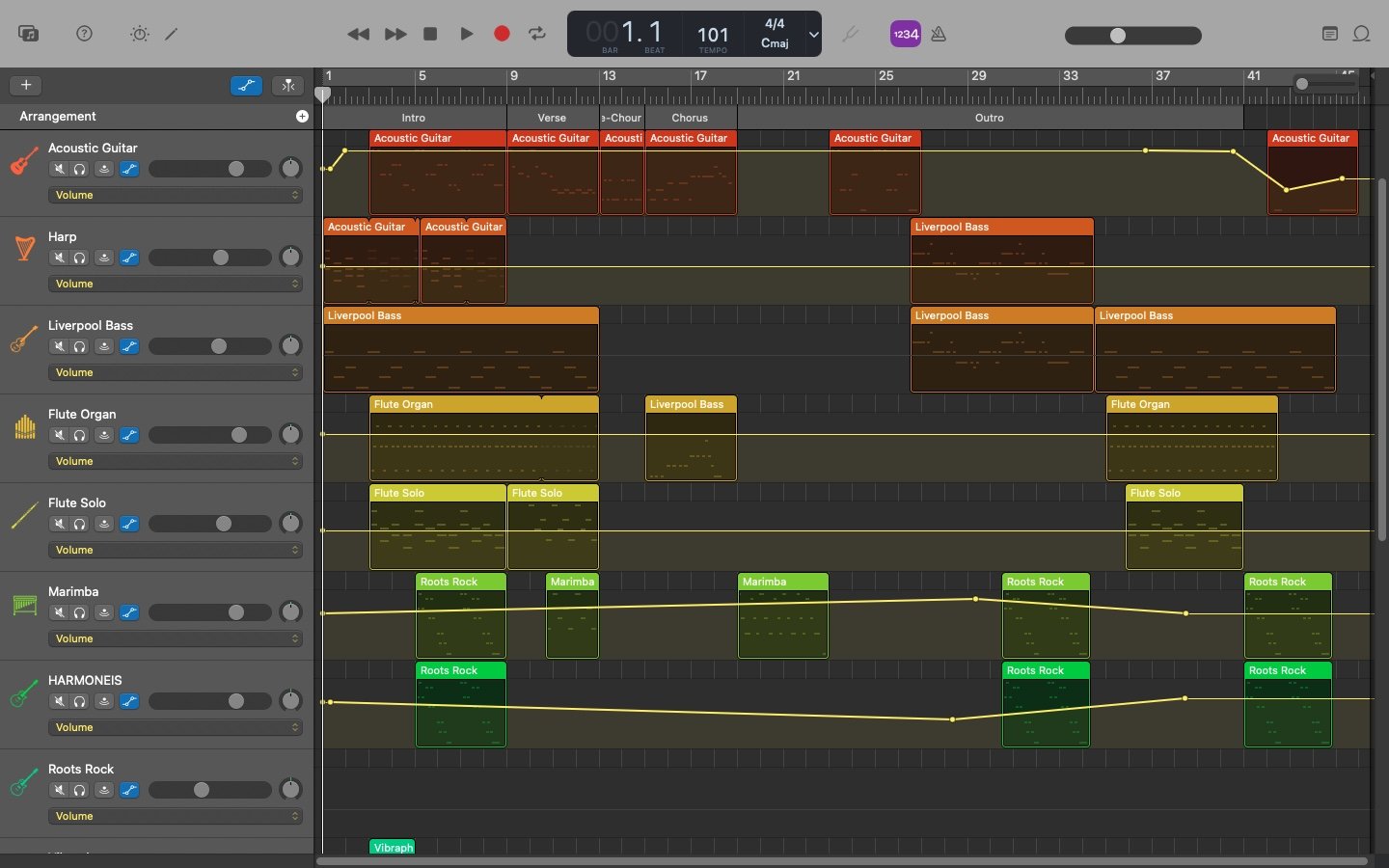
Final project screenshot including volume automation
Florence
Mixing Session; Ticket To Ride
Music For Film
Arranging & Remixing
Final Project
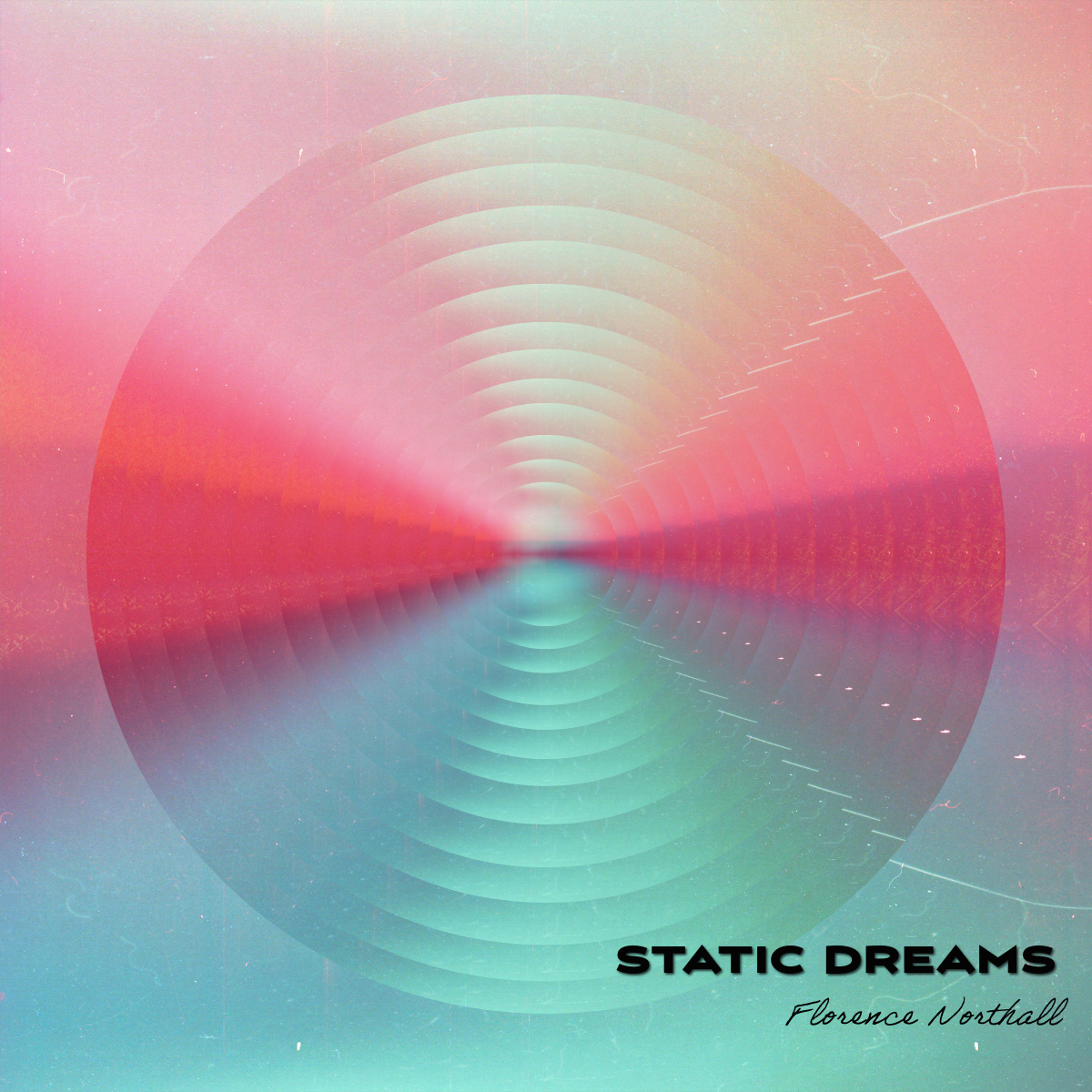
Final project album artwork
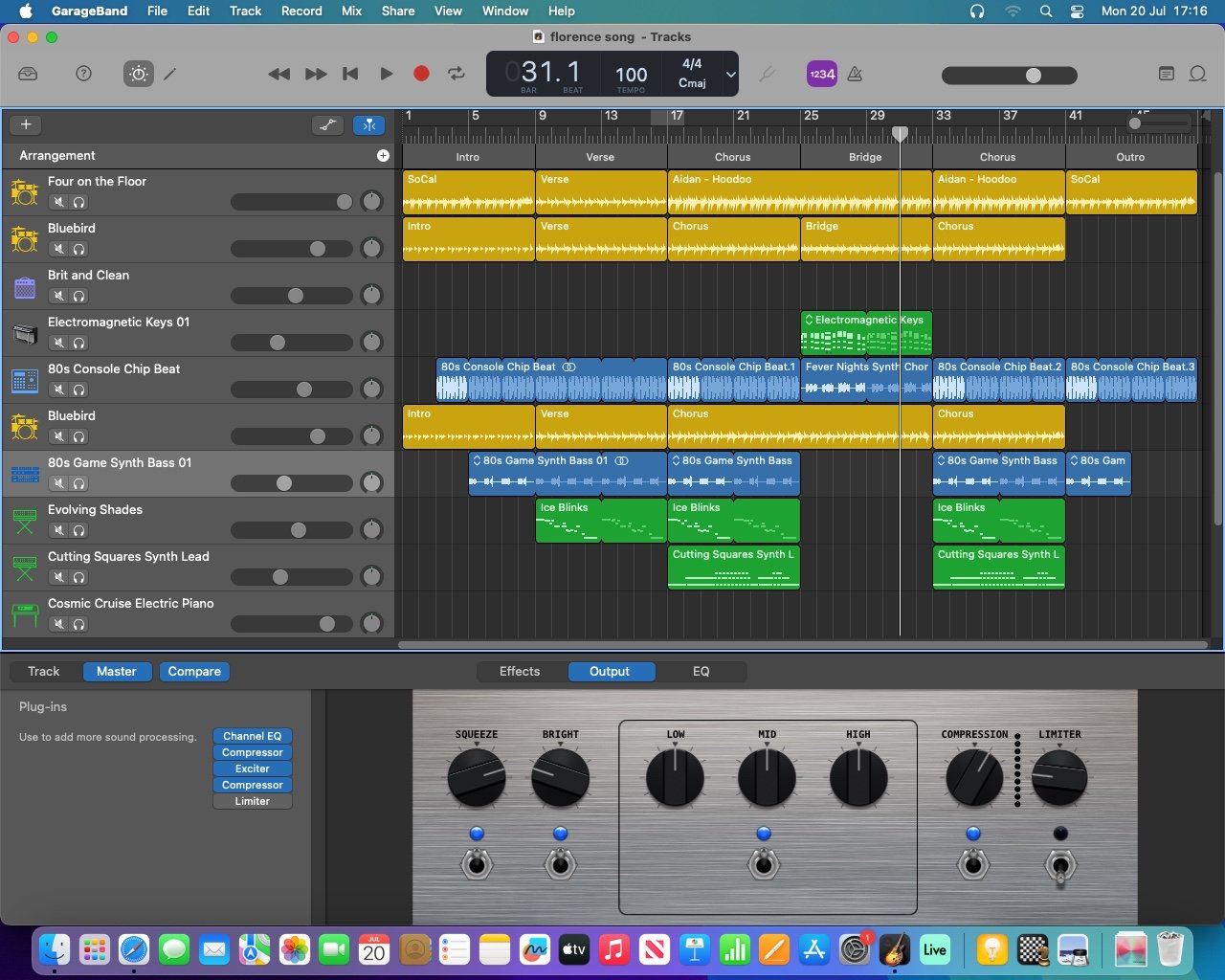
Final project screenshot (green tracks have been recorded with MIDI keyboards)
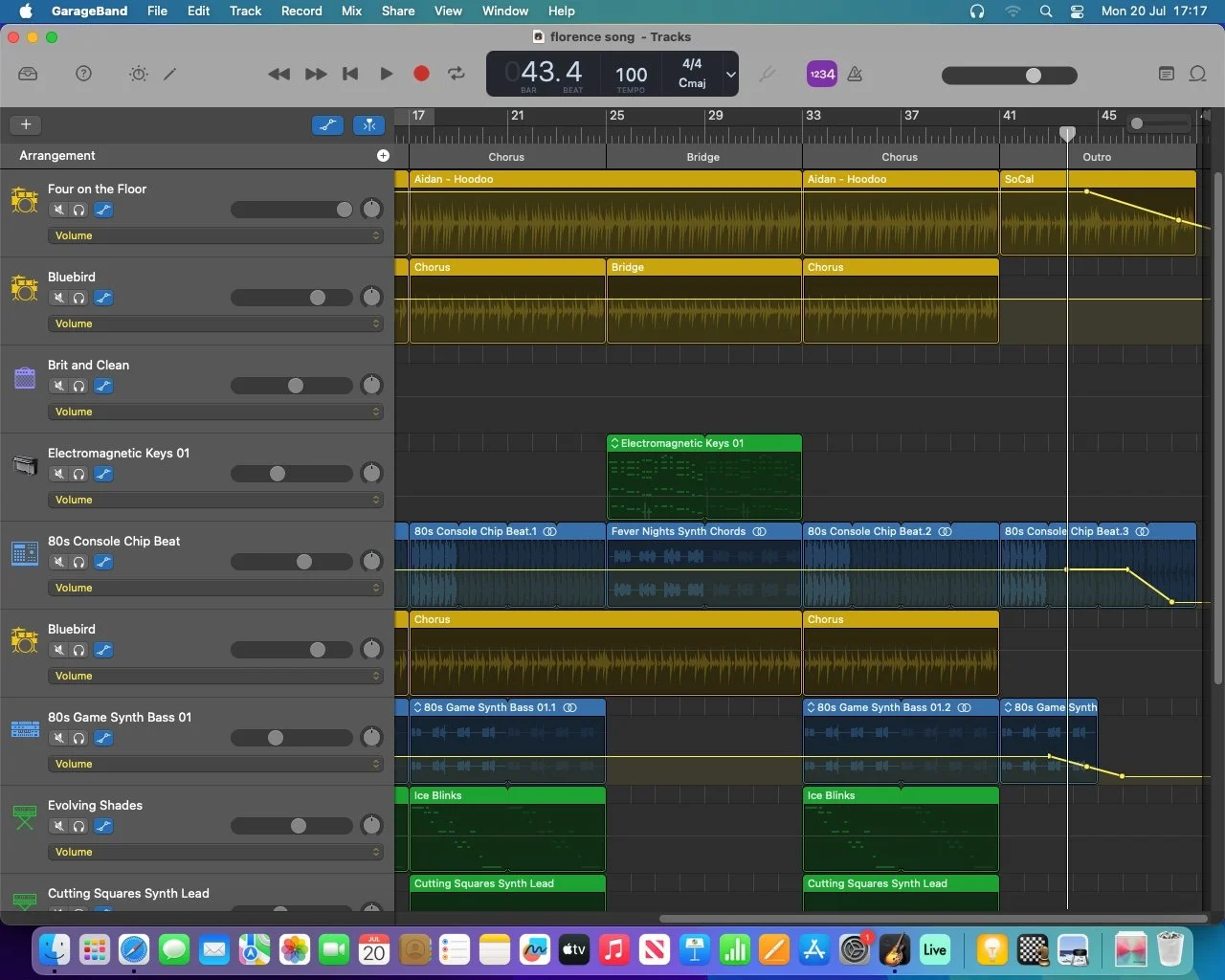
Final project screenshot including volume automation
Gyumin
Mixing Session; Ticket To Ride
Music For Film
Arranging & Remixing
Final Project
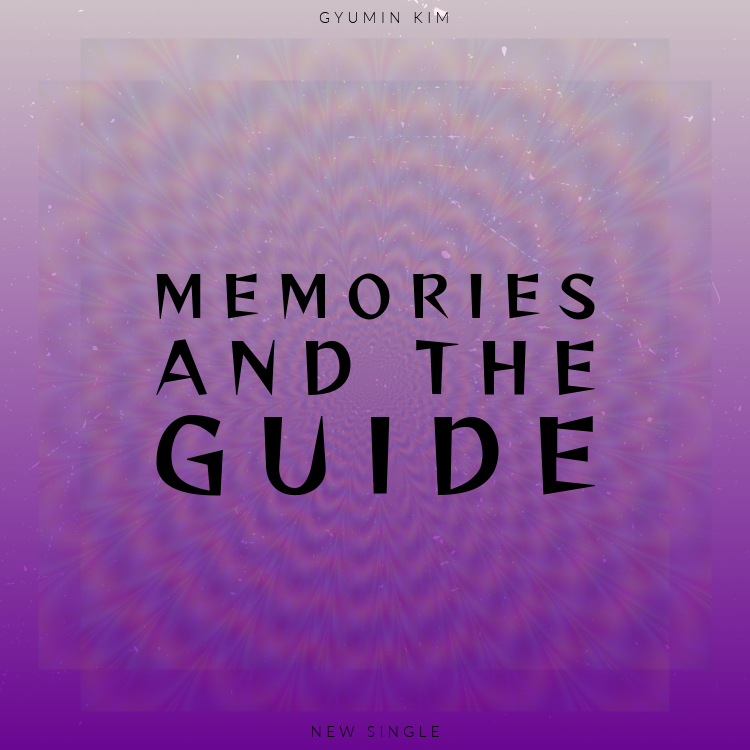
Final project album artwork
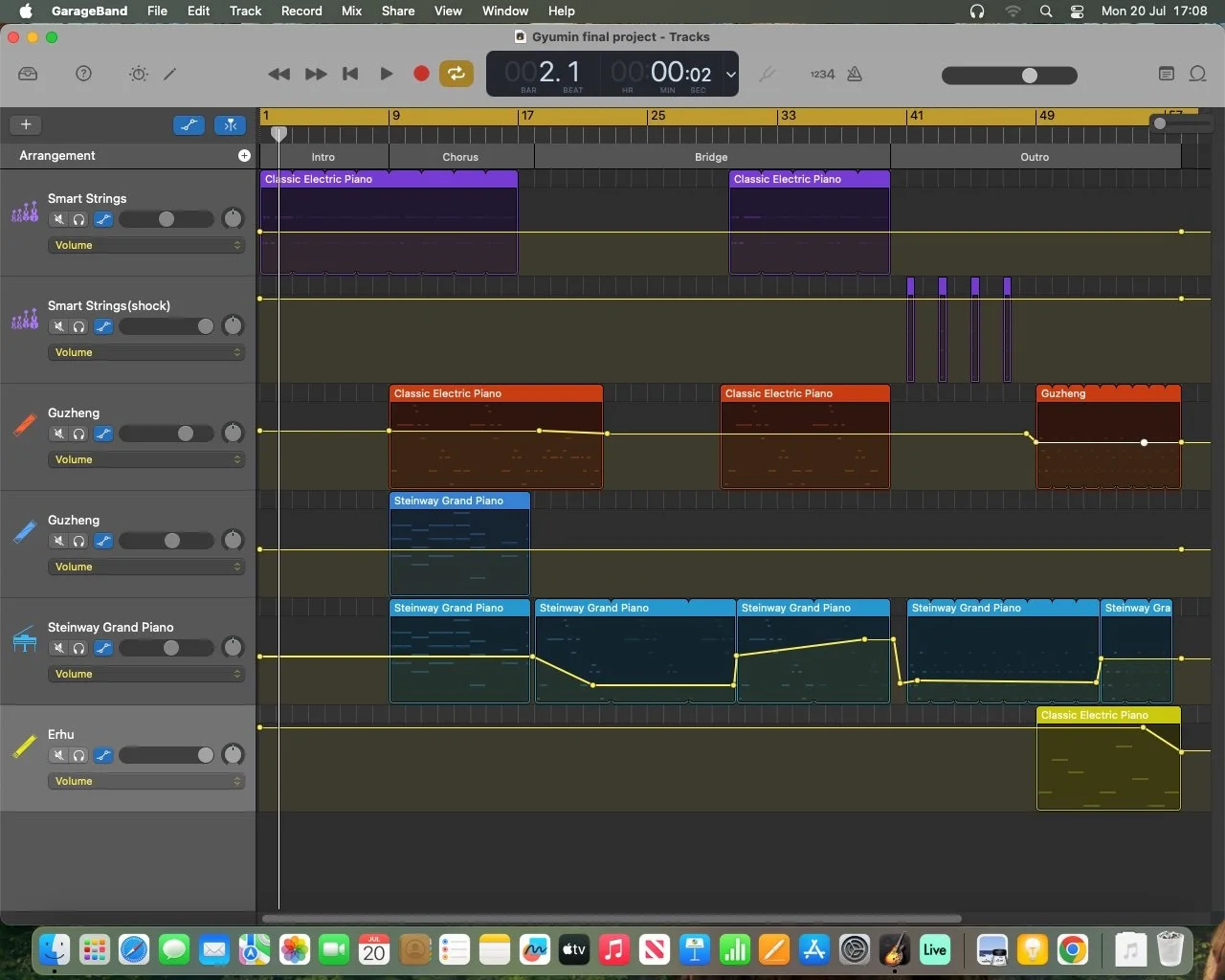
Final project screenshot (yellow graphs show volume automation)
Kit
Mixing Session; Ticket To Ride
Music For Film
Arranging & Remixing
Unavailable; absent during project
Final Project
Kit was absent during upload week, however his project is live on Bandlab. Kit used a MIDI keyboard and MIDI guitar to compose his track.
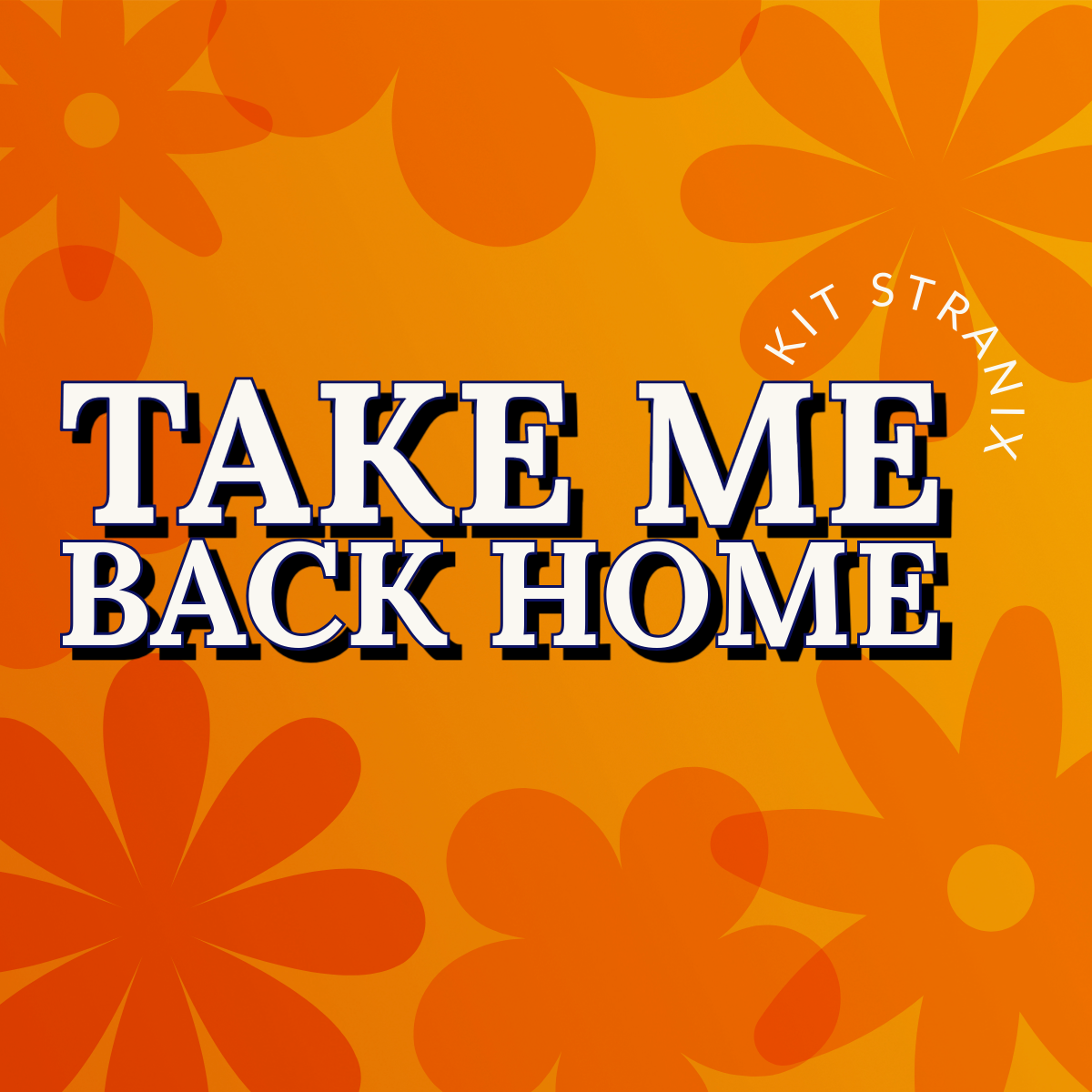
Final project album artwork
Kiara
Mixing Session; Ticket To Ride
Music For Film
Arranging & Remixing
Final Project
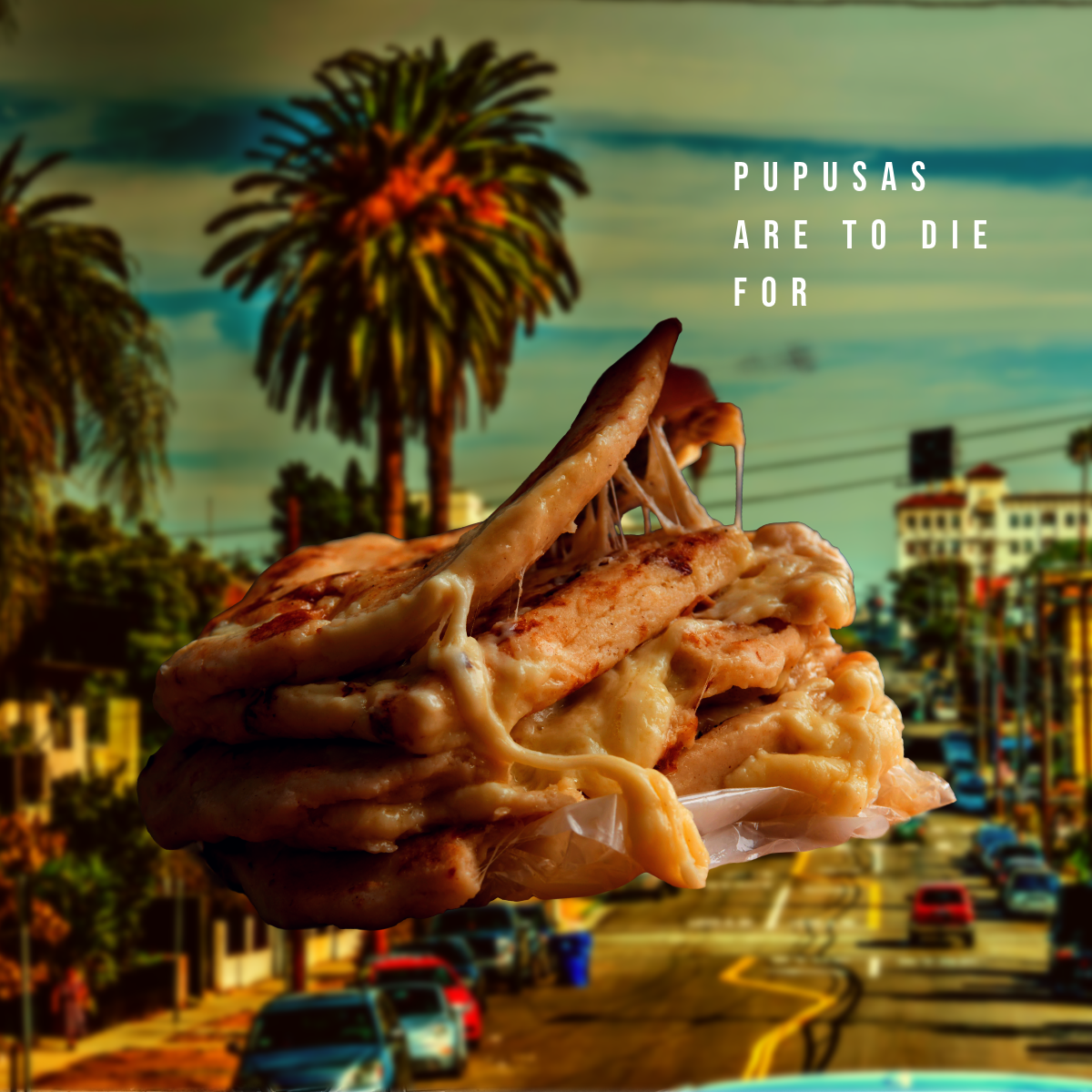
Final project album artwork
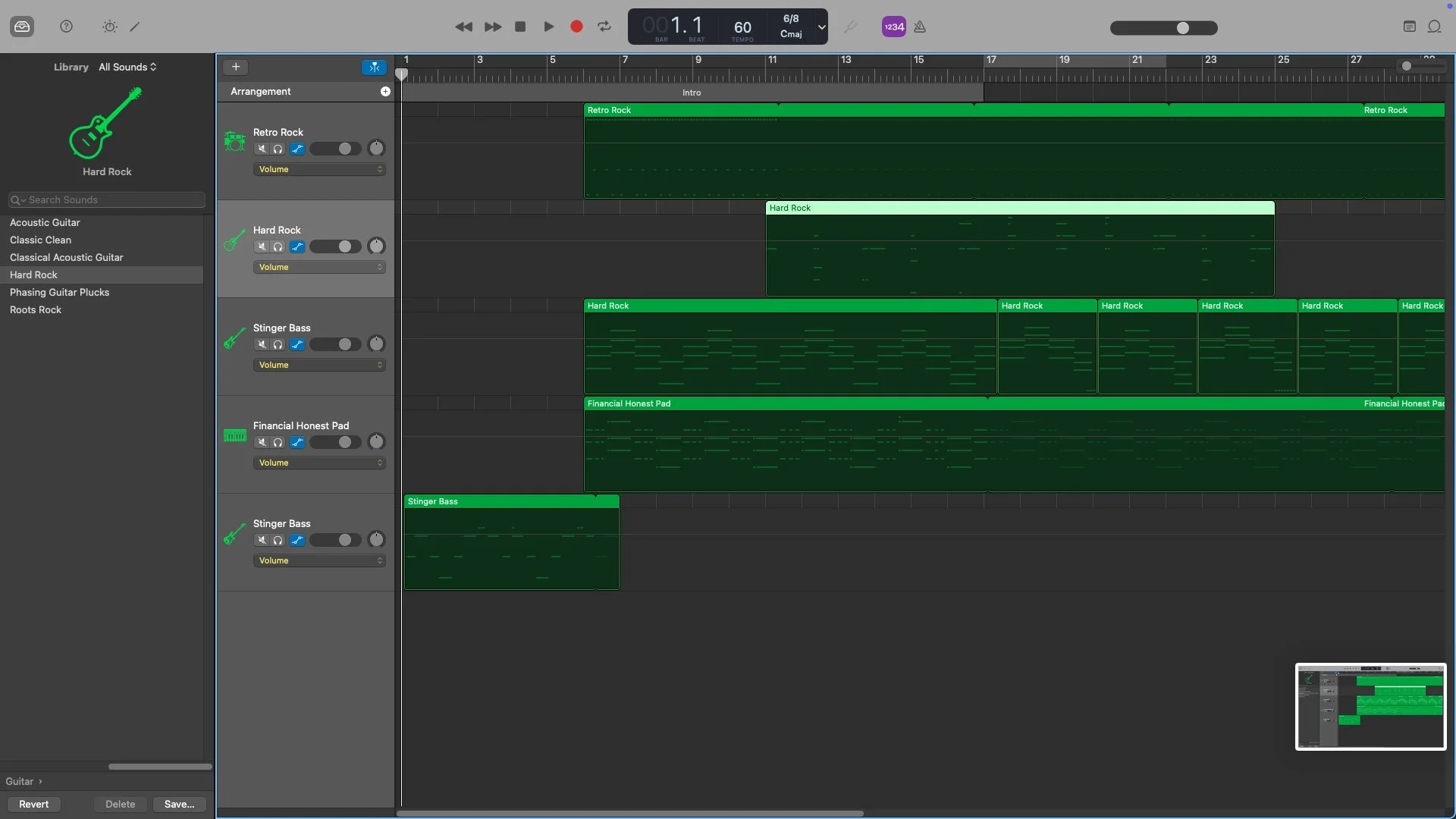
Final project screenshot (all tracks recorded from scratch with a MIDI keyboard)
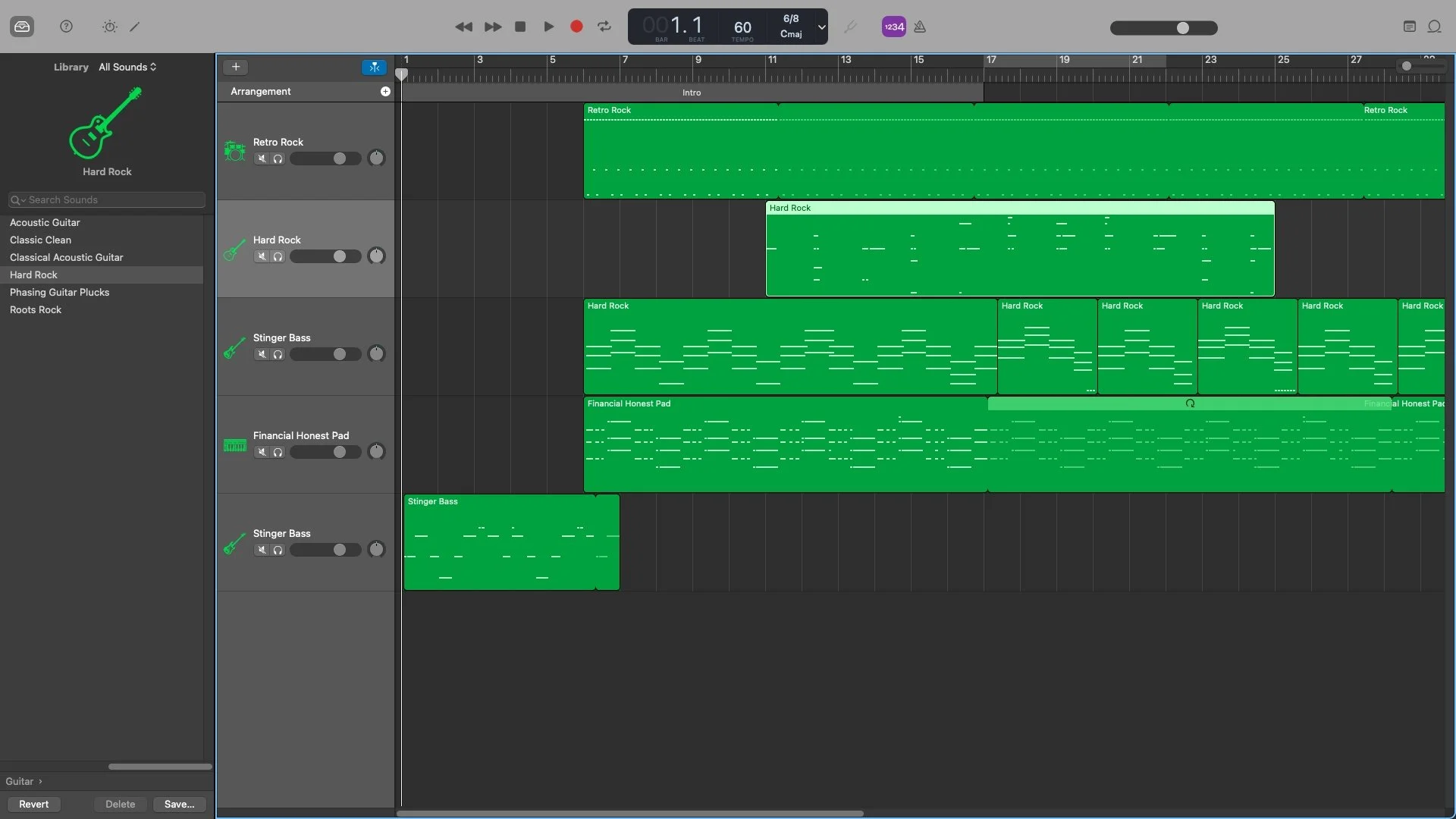
Final project screenshot including volume automation
Eloise
Mixing Session; Ticket To Ride
Music For Film
Arranging & Remixing
Unavailable; absent during project
Final Project
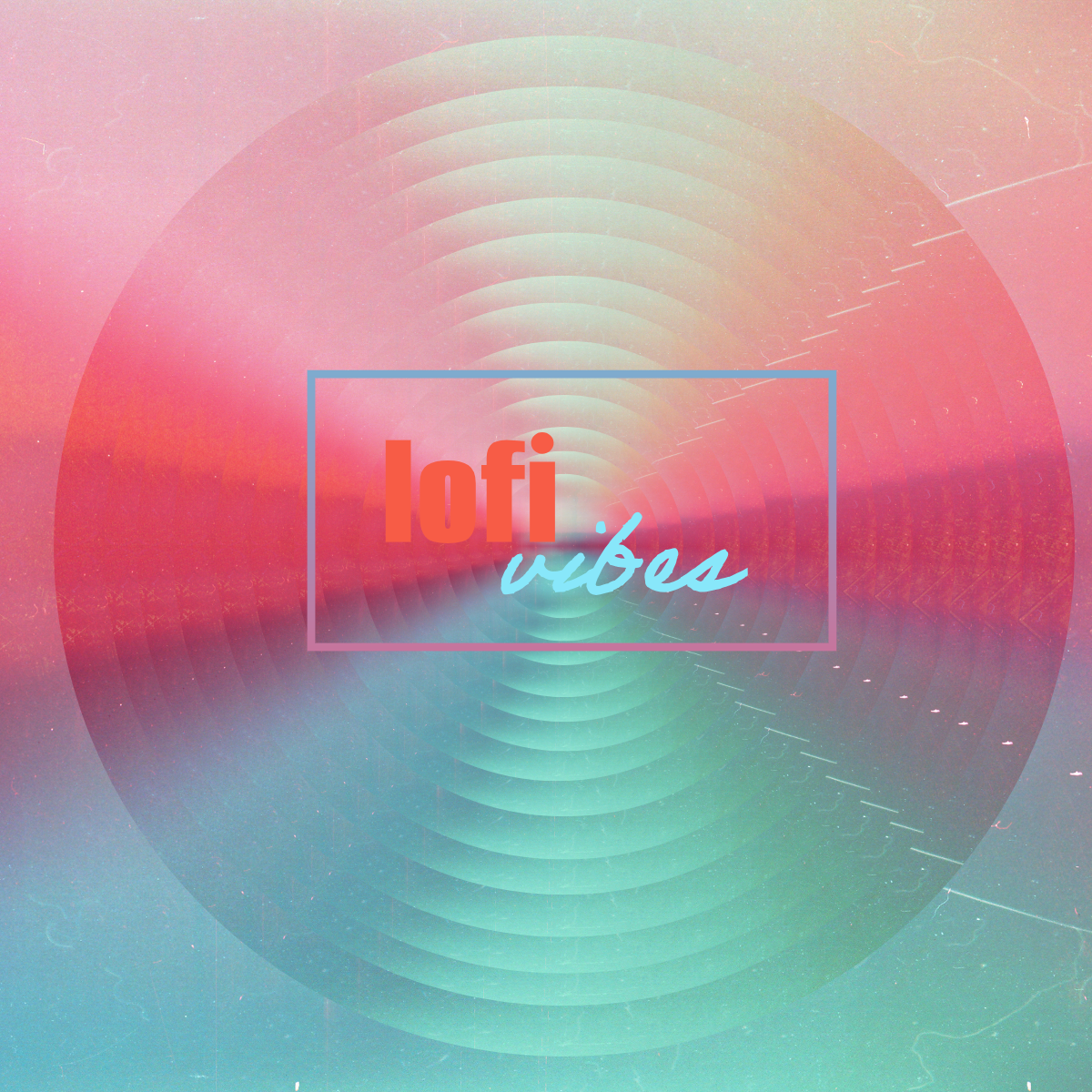
Final project album artwork
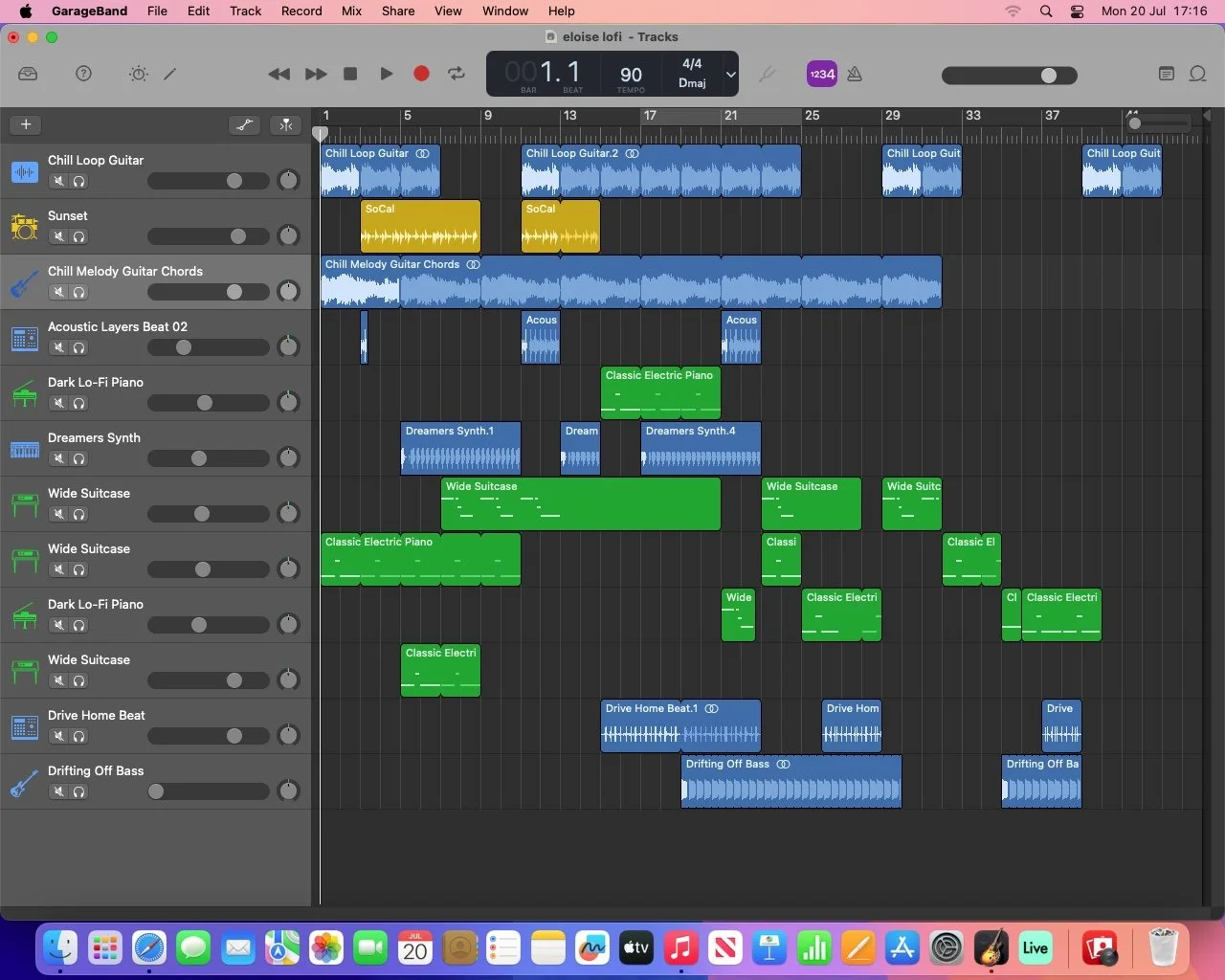
Final project screenshot (green tracks were recorded with a MIDI keyboard)
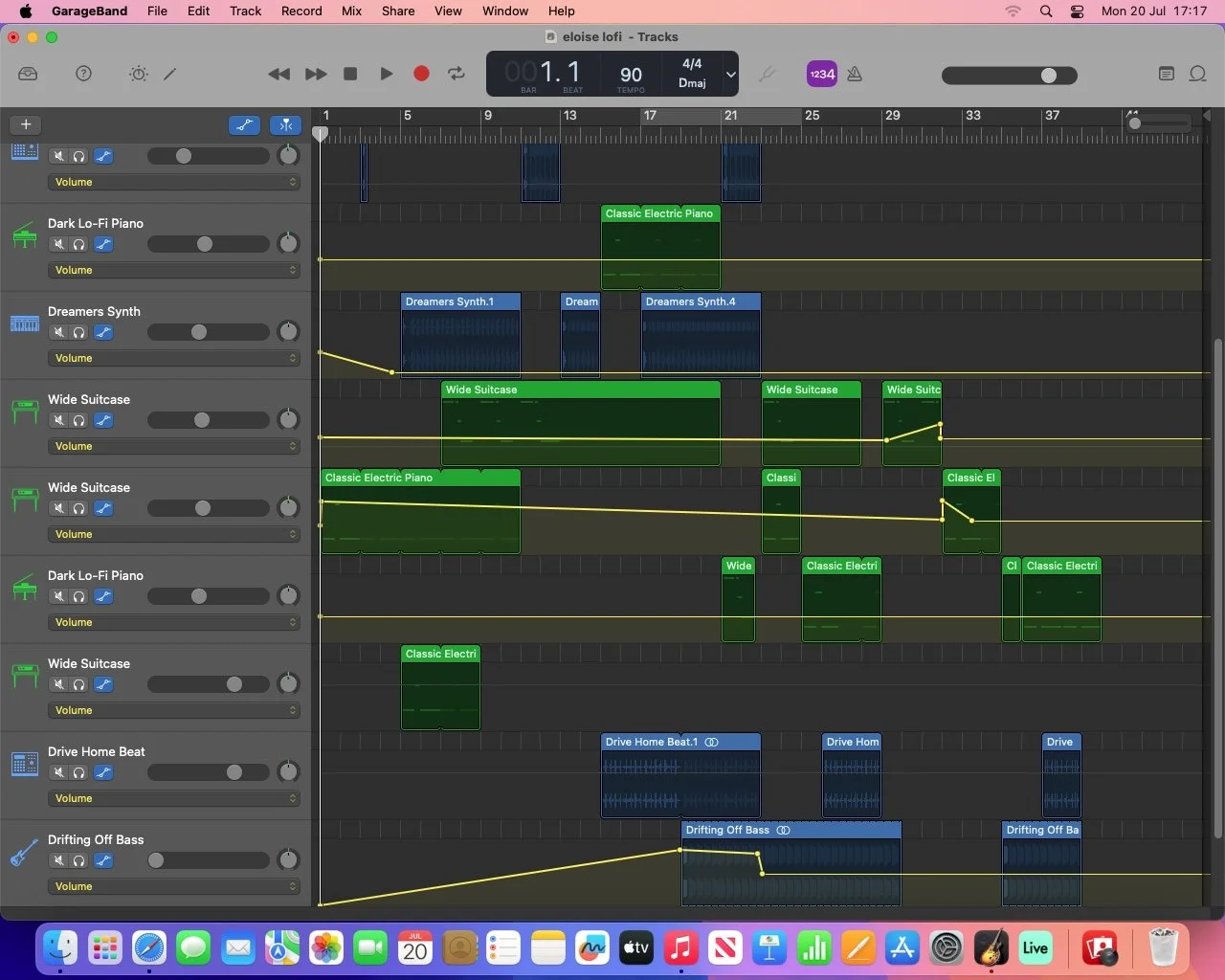
Final project screenshot including volume automation
Marcus
Mixing Session; Ticket To Ride
Music For Film
Arranging & Remixing
Final Project
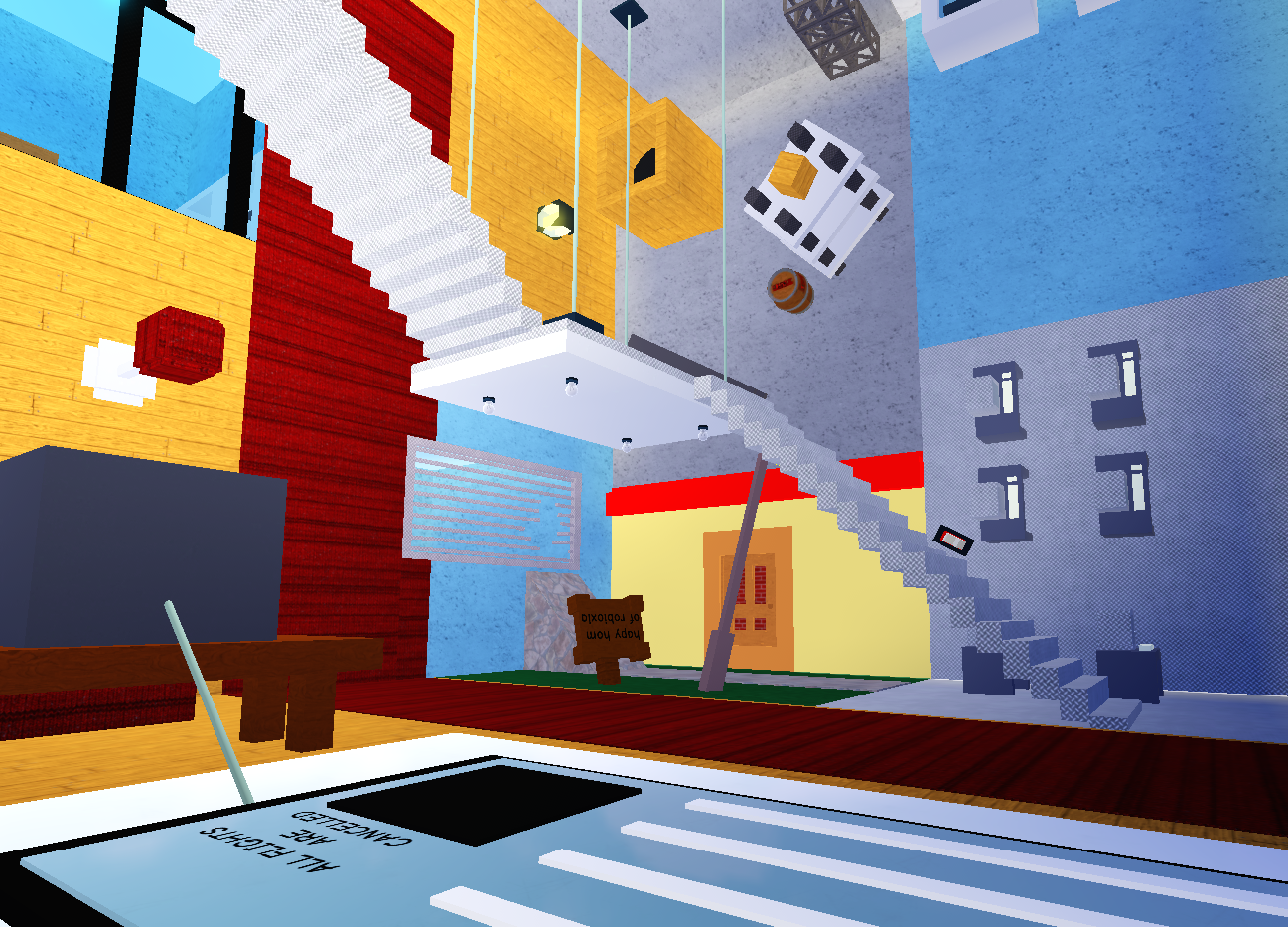
Final project album artwork
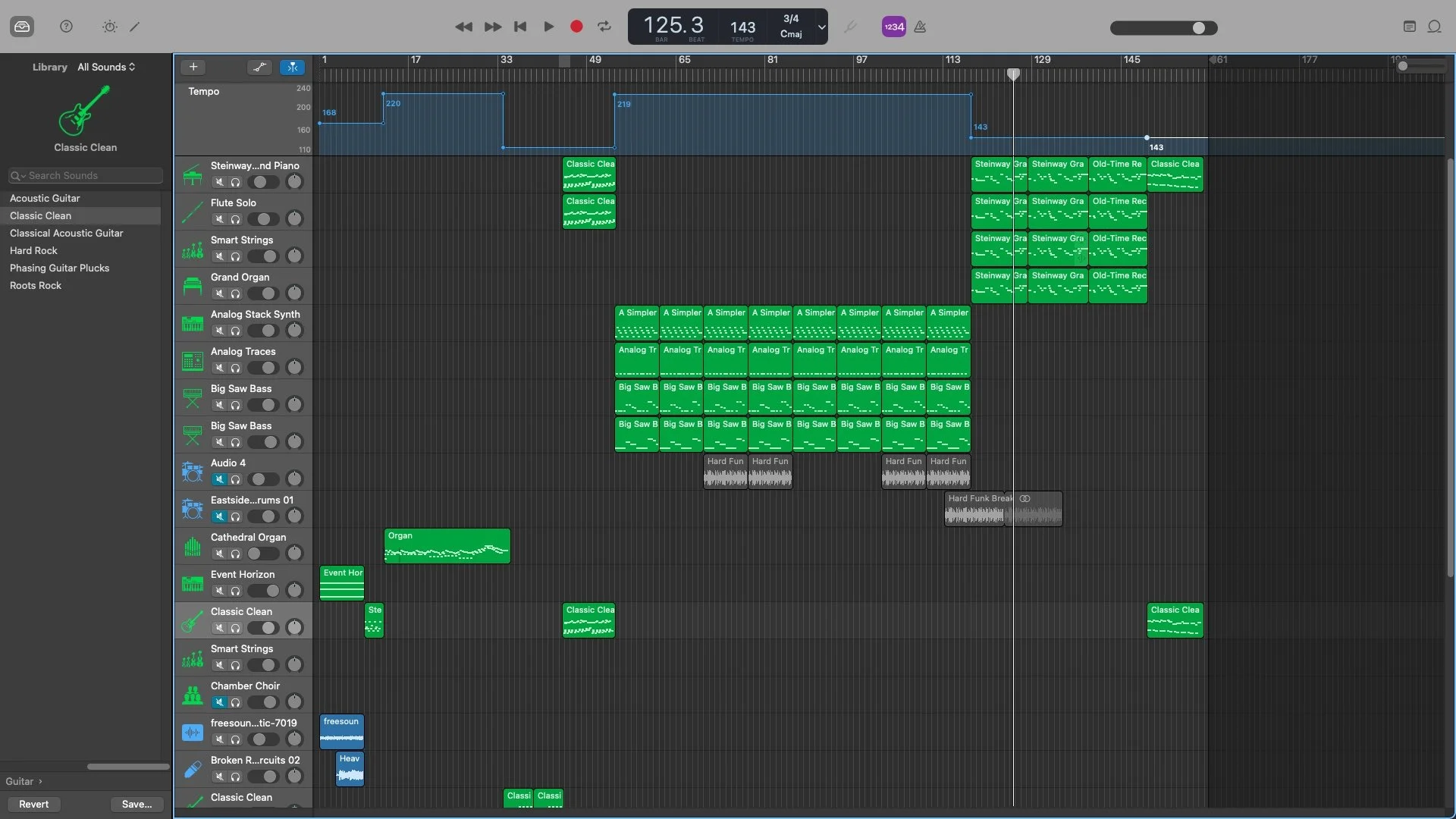
Final project screenshot (green tracks all recorded live with MIDI keyboards). Blue graph at the top also shows tempo automation.